Guides › Guide
Communication plan template
Most project communication plans are written once, filed, and ignored while the real plan lives in a dozen email threads. This one fits on a page, names an owner for every message, and is short enough that you might actually look at it again.
Start with audiences, not channels
Teams often begin with 'we will send a newsletter' and work backwards. Begin instead with who needs to know what, and what you need them to do about it. A sponsor wants decisions to make; a delivery team wants dates; an affected department wants to hear about change before it lands on their desk.
Pull the audience list from your stakeholder map so nobody is invented or forgotten. Group people who need the same message, and keep the list short enough to maintain.
- Sponsor and SteerCo members.
- Delivery team and suppliers.
- Affected business teams and end users.
- Finance, legal, security or other control functions.
- Anyone who can block you: they belong on the list even if they never ask.
The table itself
One row per message, not one row per person. This is the copyable structure; paste it into a spreadsheet or document and fill in every column before you issue the plan.
- Audience: who receives it.
- Purpose (inform, consult, decide or approve) and the one message they should take away.
- Channel: meeting, written report, briefing note, message, face to face.
- Frequency: weekly, fortnightly, at each milestone, or on trigger.
- Owner: one named person who writes and sends it.
- Feedback route: how the audience answers back.
Cadence and triggers
Regular communication runs on the calendar; event communication runs on triggers. Write both down. A weekly status report goes out on a set day. A red milestone, a change request approval or a major issue goes out when it happens, and the plan should say who decides that it is big enough.
- Weekly: status report to team and sponsor.
- Per cycle: SteerCo pack, issued ahead of the meeting.
- Per milestone: short note to affected teams.
- On trigger: escalation message when a RAG status turns red.
- On trigger: change notice when scope, date or budget moves.
Make it two-way
A plan that merely broadcasts finds out about problems late. For each key audience, say how they can tell you something is wrong: a standing item in a meeting, a named contact, a quick call. Then record what comes back in your RAID log so it is acted on, not merely heard.
- Agree a response time for questions.
- Log concerns as risks or issues with an owner.
- Ask one sponsor each month: is this the right amount of communication?
Keep it alive
Review the plan at every stage gate and whenever the stakeholder map changes. If a row has not been used for two cycles, either the message is dead or the plan is wrong. In Senshin the stakeholder register and the weekly report sit alongside the plan, so the audience list and the update that goes to it stay in step.
- Date the plan and record changes.
- Delete rows nobody reads.
- Check the plan against reality at each SteerCo.
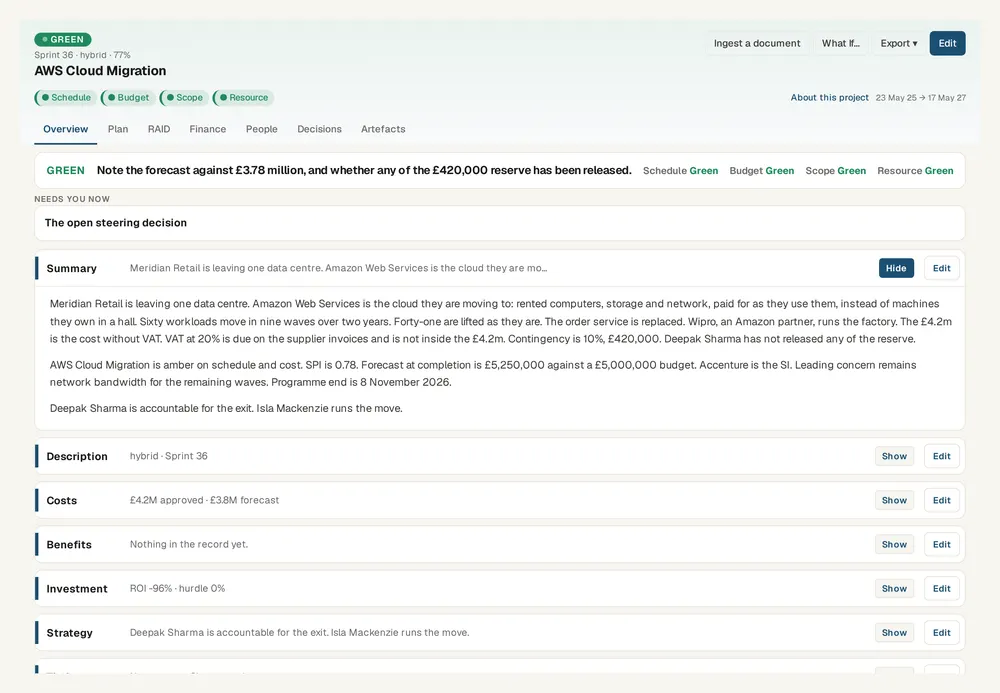
Keep this live, not in a spreadsheet
Senshin keeps your plan, RAID, budget and reports in one place, so this stays current without a weekly copy-and-paste. A 14-day trial, with sample projects.
Start your 14-day trialWhere this lives in Senshin
Or £499.90 a year. Every plan starts with a 14-day trial; after it, your work stays, read-only, until you subscribe. Cancel any time. Prices exclude tax. Enterprise is priced per contract: talk to us.
Frequently asked questions
What is a communication plan in project management?
A communication plan sets out who needs to hear what, when, through which channel and from whom during a project. It turns ad hoc updates into a predictable rhythm.
What should a project communication plan include?
Audiences, the message or purpose for each, the channel, the frequency, a named owner and a way for the audience to respond.
How often should project communications be sent?
It depends on the audience. Delivery teams usually need weekly updates, sponsors weekly or fortnightly, and wider groups at milestones, with extra messages triggered by red status or approved changes.
Who owns the communication plan?
The project manager normally owns it, but each message should have its own named owner so the plan does not depend on one person remembering everything.
More guides
Last updated: